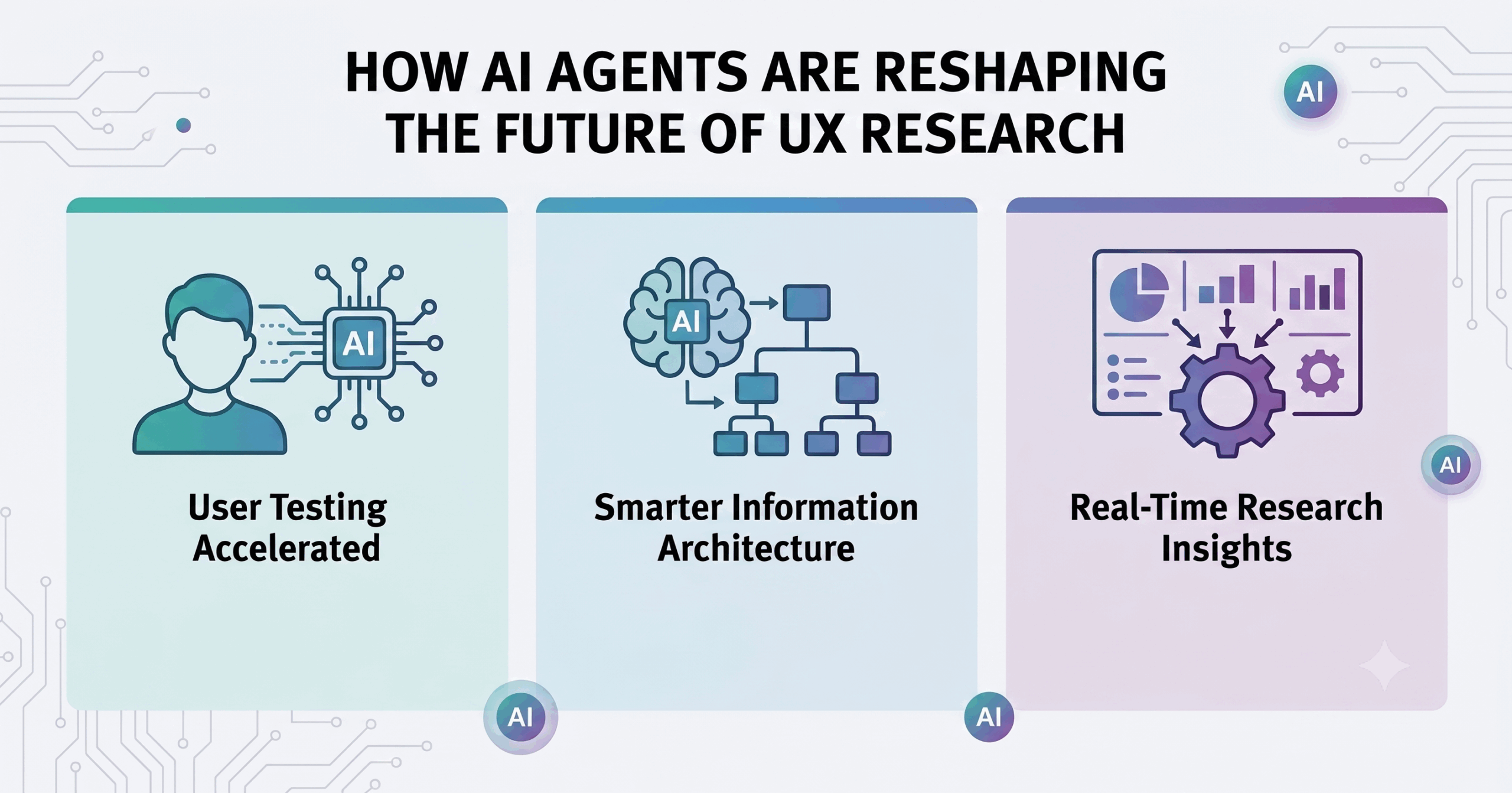
AI is fundamentally reshaping how UX designers perform their work, how development teams collaborate, and how digital products reach users in 2026. From automated user testing to intelligent information architecture, artificial intelligence has moved from experimental curiosity to operational necessity across design and software development workflows.
This article covers the AI tools, methodologies, and team dynamics transforming UX design – while leaving deep technical AI implementation details to engineering-focused resources. Whether you’re a user experience designer, a developer working closely with design teams, or one of the product managers steering digital products, you’ll find practical strategies for adapting to AI-enhanced workflows. The target audience extends across tech companies, AI development companies, website development companies, IT companies, and professional services firms navigating this shift.
AI is revolutionizing UX design through automated user testing, AI-powered prototype testing, and intelligent design process optimization – enabling teams to deliver meaningful outcomes faster while maintaining user centered design principles.
By the end of this article, you will understand:
- How AI agents and machine learning are transforming the ux design process
- Where automated user testing and benchmarking create the most value
- How information architecture decisions benefit from data analysis
- What implementation strategies help development teams adopt AI tools effectively
- How team roles are evolving and what key skills matter most
Understanding AI’s Role in Modern UX Design
In the UX design context, AI refers to systems using machine learning, large language models, generative ai, and agent-based workflows to assist with user research, prototyping, usability testing, personalization, and content generation. Unlike traditional design software – where designers manually create wireframes, run lab sessions, and iterate based on gathering feedback – AI tools adapt in real time. They produce generative content, simulate user behaviors, automate benchmarks, and learn from how real users interact with digital products.
A recent Breon.ai survey reveals that 94% of UX designers now incorporate generative AI tools into their workflows, highlighting AI fluency as a critical skill for design professionals. With UX designers earning a median salary of $149,000 per year, proficiency in AI is increasingly essential to maintain competitive compensation and deliver innovative, user-centered design solutions.
The UX design process includes five key stages – and AI is now embedded in each. Traditional A/B testing depends on real user traffic and time; ML-based testing can approximate outcomes early. Traditional information architecture methods rely on card sorting and stakeholder interviews; AI can analyze clickstreams and user flows to suggest optimal navigation hierarchies.
AI Agents in Design Workflows
AI agents are autonomous or semi-autonomous software components that perform discrete design or UX research tasks – generating layouts, creating test cases, evaluating usability. They may operate sequentially or in parallel, coordinated by an orchestrator agent.
In a recent multi-agent UI development pipeline, EPAM explored agents including orchestrator, coder, tester, visual tester, design decomposer, and test case creator over a six-week project. The result: near-production quality code from overnight runs with 95% visual fidelity, with developers only polishing edge cases. AI development is experimental, necessitating rapid iteration and adaptation – and this pipeline embodied that principle.
Roko Labs built an agentic AI design system that cut a design team in half while delivering work that would previously require twice the headcount. Agents handled discovery, prototyping, documentation, pattern extraction, and cross-team alignment. Development of AI requires collaboration among data scientists, engineers, AI developers, and project managers – and this case demonstrated that principle in practice.
Machine Learning for User Testing
Machine learning is the core of most AI systems, allowing programs to improve accuracy over time. In user testing, ML enables real-time clickstream analysis, heatmaps, engagement prediction, and drop-off detection. 40% of designers use AI to analyze user data, bridging the gap between traditional usability testing and the scale modern digital products demand.
User research methods include interviews, surveys, and usability tests – and ML augments each. Models like Avenir-UX simulate human-web interaction to perform continuous UX evaluation on live websites, improving scale and coverage over manual usability studies. Usability testing is the most common method to evaluate designs, and AI is making it faster without replacing the need for real users.
AI relies on machine learning, allowing systems to improve by identifying patterns in data sets. High-quality data is critical as AI models learn exclusively from the data they are fed. This makes data preparation – cleaning and organizing raw data for training – a foundational step for any AI-enhanced testing workflow.
Key Areas Where AI is Transforming UX Design
With foundational concepts established, three specific areas demonstrate where AI creates the greatest impact on the design process and software development workflows.
Automated User Testing and Benchmarking
Historically, usability testing meant slow lab sessions and remote interviews. AI tools now run hundreds of user flows, generate heuristics, and simulate interactions from logs to detect navigation issues. Usability is the extent to which a product can be used effectively, and automated testing scales that measurement dramatically.
Baymard’s UX-Ray 2.0 for e-commerce uses 346 heuristics drawn from extensive UX research, ensuring tools meet high accuracy standards before release. User research helps identify user needs, goals, and pain points, and automated benchmarking enables continuous identification rather than periodic assessment.
User testing remains a cornerstone of the UX design process, with AI enhancing its efficiency and scope. Automated user testing tools apply machine learning to analyze complex data such as clickstreams and interaction patterns, allowing development teams to detect usability issues across platforms, including mobile and web environments. This continuous benchmarking supports iterative improvements and ensures the final product delivers a cohesive user experience.
AI also facilitates prototype testing by simulating user interactions and identifying design elements that may hinder usability. This integration allows UX and UI designers to concentrate on higher-level design concepts and interaction design, while AI manages repetitive testing tasks. Incorporating AI tools into technical communication workflows improves clarity and consistency in user interface text, enhancing accessibility and guiding users effectively through products and services.
Embracing AI-driven user testing and benchmarking enables development teams, including those at IT companies and website development companies, to accelerate the design process, reduce time to market, and create products that better align with user expectations and industry best practices.
AI coding assistants are prevalent and improve initial development speed by 30-55%, which accelerates the connection between design validation and development execution.
AI-Enhanced Information Architecture
Information architecture structures information for usability and findability. It involves organizing content in websites and applications so users can navigate complex information systems. Good information architecture enhances user experience and satisfaction – and AI is transforming how teams build it.
AI tools mine navigation logs, search queries, and user pathways to suggest site map reorganizations reflecting actual mental models. Rather than relying solely on card sorting (a traditional method used to determine information architecture), designers leverage ML cluster analysis and usage frequency data. In the Poplab AI VentureFactory project, designers fed feature taxonomy, methodology, and competitor data into LLMs to generate hierarchies and spot “mental model conflicts.” AI cut weeks from what would be stakeholder workshops – directly improving website findability.
Information architecture helps users navigate complex information systems, and ML makes those systems adaptive rather than static.
Intelligent Prototype Testing
Prototyping allows testing design ideas before development – and AI makes that testing dramatically more thorough. AI-powered tools act as synthetic users, interacting with prototypes, flagging where flows break or have ambiguous affordances. Prototyping is essential for testing functionality in UX design, and AI accelerates the cycle.
UX designers create wireframes, prototypes, and user flow diagrams. With AI, the Poplab project used synthetic usability testing with founder personas before real users ever saw the prototype, collapsing the design-to-validation cycle by over 60%. ML evaluates prototypes across mobile apps testing contexts, cross-device usability, responsiveness, and accessibility – checking contrast, touch targets, and labels. Accessibility relates to ease of use for people with disabilities, and Web Content Accessibility Guidelines (WCAG) include four principles: POUR – all checkable by AI tools.
Key skills for UX designers include research, wireframing, and prototyping – and AI amplifies each skill rather than replacing it.
Implementation Strategies for Development Teams
Moving from understanding to action, development teams need structured approaches for adopting AI tools without disrupting existing workflows.
Adopting AI Tools in Your Design Process
AI development typically follows a structured lifecycle including problem definition and deployment. Teams should mirror that structure:
- Assessment: Audit current workflows for bottlenecks – repetitive tasks, slow user testing, prototype handoffs, inconsistent information architecture. Identify data sources (logs, advanced analytics, user feedback) an AI could leverage. Data collection serves as the foundation for AI’s learning process.
- Tool selection: Evaluate generative prototyping tools, synthetic testing tools, and design system agents for accuracy and fit with privacy and regulatory constraints. Model selection involves choosing appropriate AI architectures based on the problem type. Smaller, efficient AI models are becoming more common compared to large general-purpose models.
- Training and pilot: Run small projects immersing design, dev, and PM teams with new tools. Educate teams in prompt engineering, bias detection, and interpreting ML outputs. UX design requires strong problem-solving and communication skills – both become more important with AI.
- Scaling: Integrate tool usage into design systems, version control, and designops. Build feedback loops. Validation and testing of AI models ensures generalization to new information. Deep knowledge of software architecture is necessary for developers to verify AI outputs.
AI development involves a structured process including data management and model training. Building an artificial intelligence system transforms a problem into a data-driven solution – and that applies whether you’re building AI or adopting AI tools.
Team Structure and Role Evolution
| Role | Traditional Focus | AI-Enhanced Focus |
| UX Designer | Create wireframes, conduct user research, testing designs | Curator of AI outputs, validation of ML suggestions, design ethics steward |
| Developer | Code implementation, handoff interpretation | Auditing AI-generated code, ensuring performance and maintainability |
| Product Manager | Feature specs, stakeholder management | AI feature definition, success metrics, transparency and regulation |
| QA Tester | Manual testing, bug reporting | Validating algorithms, edge cases, model outputs, user flows |
UI designers focus on visual elements like layout and color schemes, and AI tools are increasingly generating those visual design components – shifting the interaction designer role toward curation and quality control. UX design focuses on making products usable, enjoyable, and accessible, and that mission remains human-driven even as AI handles execution.
Maintainability of AI-generated code can be challenging and may lead to cognitive debt. There is a strong emphasis on testing AI for trustworthiness and mitigating risks of hallucinations. Developers face a fragmented regulatory landscape affecting compliance in AI development – making governance skills as important as technical skills.
Common Challenges and Solutions
Adopting AI in UX design isn’t frictionless. Three challenges consistently emerge across industry leaders and tech companies alike.
Resistance to AI-Driven Design Changes
Many ux designers and developers worry AI will replace them or erode craftsmanship. The solution: begin with small tools and pilot projects that show tangible benefit – reusing ui components, reducing rework, identifying usability issues early. Communicate wins transparently. UX design requires a strong foundation of human judgment, and AI augments rather than replaces it. Softjourn’s R&D experiments found AI to be a “10x multiplier for production and data synthesis” but riskier for high-stakes business logic without human guardrails.
Maintaining Human-Centered Design Principles
Over-automation risks prioritizing efficiency over empathy. User centered design involves understanding user needs through conducting user research, contextual inquiry, and creating user personas – none of which AI should fully automate. Solutions include always incorporating real user testing with real users, disclosing AI involvement, auditing for bias, and ensuring accessibility. There is a lack of standardized definitions and practices for implementing Trustworthy AI, making human oversight essential. Neural networks and deep learning process complex patterns inspired by the human brain, but they lack the empathy that defines exceptional user experience design.
Retail data reinforces this: 69% of retail CX teams find at least half of their AI-powered experiences need significant revision post-launch. The human factors in design remain irreplaceable.
Integration with Existing Design Systems
AI tools may produce outputs conflicting with brand guidelines, component libraries, or code architecture. Solutions include constraining outputs through style locks and brand tokens, integrating with versioned design system repositories, and ensuring AI tools align with engineering constraints. AI development is transitioning focus towards efficiency and specialized applications as of mid-2026, and design system integration reflects that shift. Holistic data center efficiency is essential to manage AI’s massive energy demands – a consideration for teams scaling AI-powered design infrastructure.
Future of AI-Enhanced UX Design and Next Steps
AI’s transformation of UX design is accelerating, not plateauing. Agent-based systems are becoming continuous layers across discovery, design, documentation, and delivery. The EU AI Act enforcement in mid-2026 demands transparency labels when AI-generated content is shown to users – designers must build compliance into UX. Designers increasingly verify AI outputs against real user research before shipping (43% in 2026 vs. 31% in 2025), showing a trend toward stricter validation.
For teams ready to begin:
- Audit your current design process for AI-ready bottlenecks
- Select one area – user testing, information architecture, or prototype testing – for a pilot
- Train your team on AI tool evaluation and bias detection
- Measure impact through benchmarking: time saved, defects caught, user satisfaction scores
- Scale systematically with governance guardrails in place
Emerging trends in AI agents and advanced user testing methodologies – including “vibe coding” and multi-agent design pipelines – will continue reshaping how ux designers, developers, AI developers, and product managers work closely together. The teams that invest now in business intelligence around AI-enhanced design will deliver exceptional value to their organizations and their users.
 Give feedback about this article
Were sorry to hear about that, give us a chance to improve.
Error: Contact form not found.