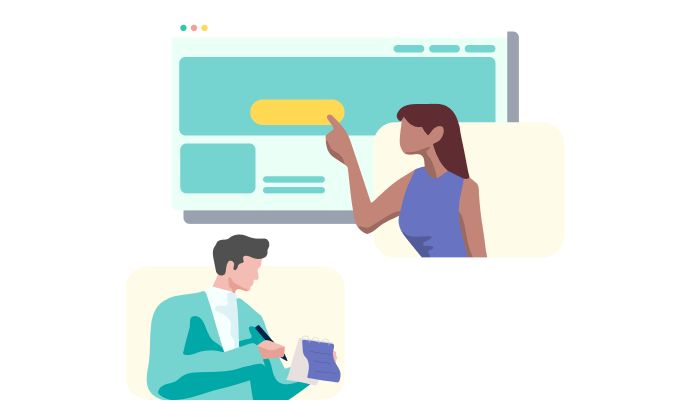
Now you can conduct remote usability testing often and affordably.
User Test Creation Features:
Easy step-by-step wizard

Our easy step-by-step process enables anyone to create remote usability tests in minutes. You’ll become a usability professional in no time!
Create tasks and questions

Create tasks and questions to help you explore the user experience, determine satisfaction and validate task completion on any website.
No software to download

Our remote user testing technology means participants don’t need to download any tracking software. You’ll get much higher response rates without them being concerned about malware or viruses. Show me a demo

Works in over 40 languages

Conduct user testing in over 40 languages to ensure your product works globally, not just locally. And if we don’t have your language, let us know and we’ll get it.
Like our features? Try Loop11 for free
Response Collection Features:
No JavaScript code to install

With Loop11 there’s no JavaScript code to install. This means you can run studies on any website, anywhere, not just your own. It’s perfect for conducting user testing of competitor websites to benchmark against your own.
Create a link or pop-up

Collecting responses is as simple as sending out a link to your user test via email, posting the link on your website or circulating it via social media. Or you can create a custom pop-up for your website that invites people to take your user test.
Set collection restrictions

You can set a minimum or maximum response count (up to a maximum of 1,000 participants), or even restrict responses by IP address.
Use our integrated panel

Use the Cint OpinionHUB panel to access millions of verified panelists according to your specific criteria. More about Cint
Test on mobile devices

That’s right! Testing is not just limited to computers. Test your website on iPads, iPhones, Androids and other mobile devices. Show me a how
Reporting And Analysis Features:
Clickstream Analysis

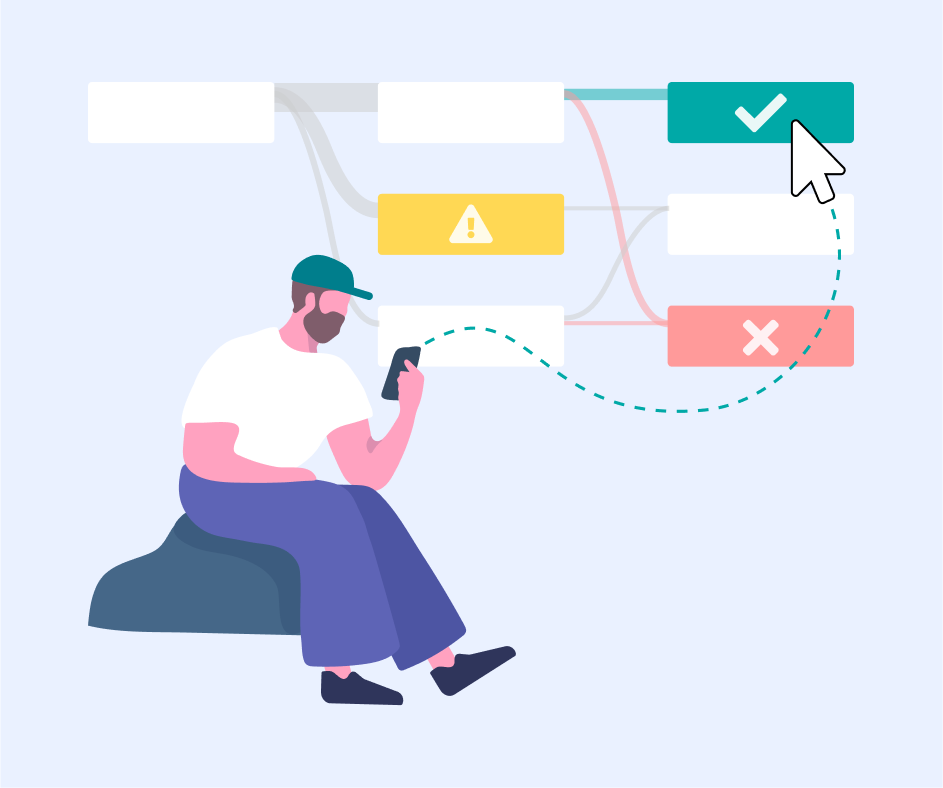
The clickstream report provides a graphical representation of participants’ navigation through the website so you can see their journey.
Heat maps

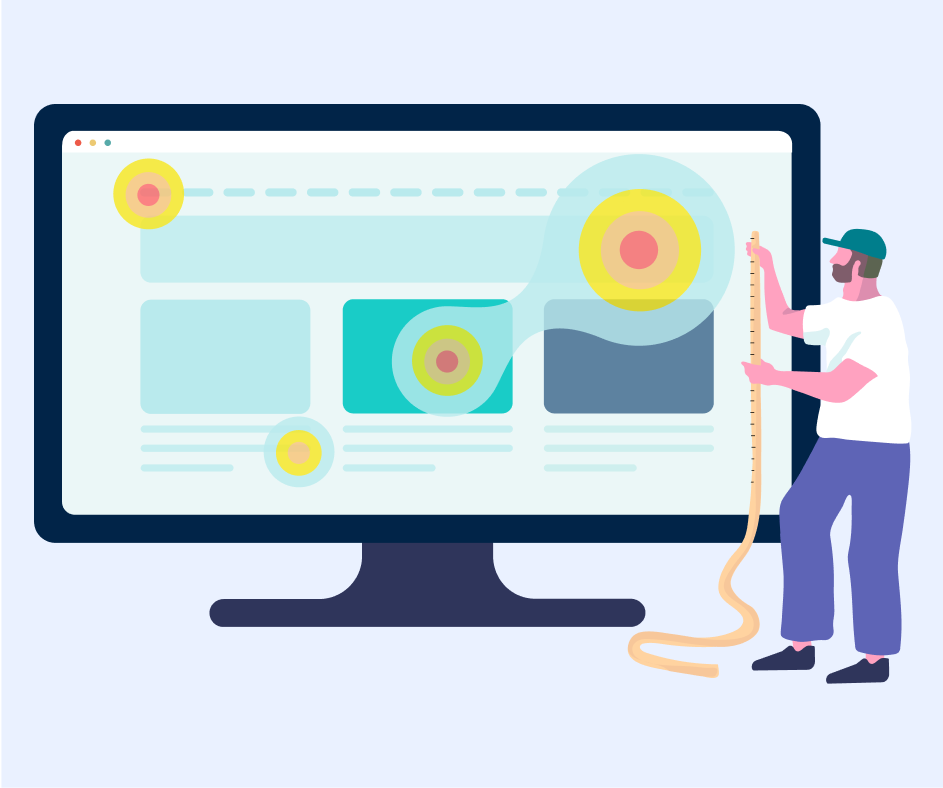
The heat map reports provide you with a user-friendly graphical representation of where your participants click on your website.
Watch Video Playback

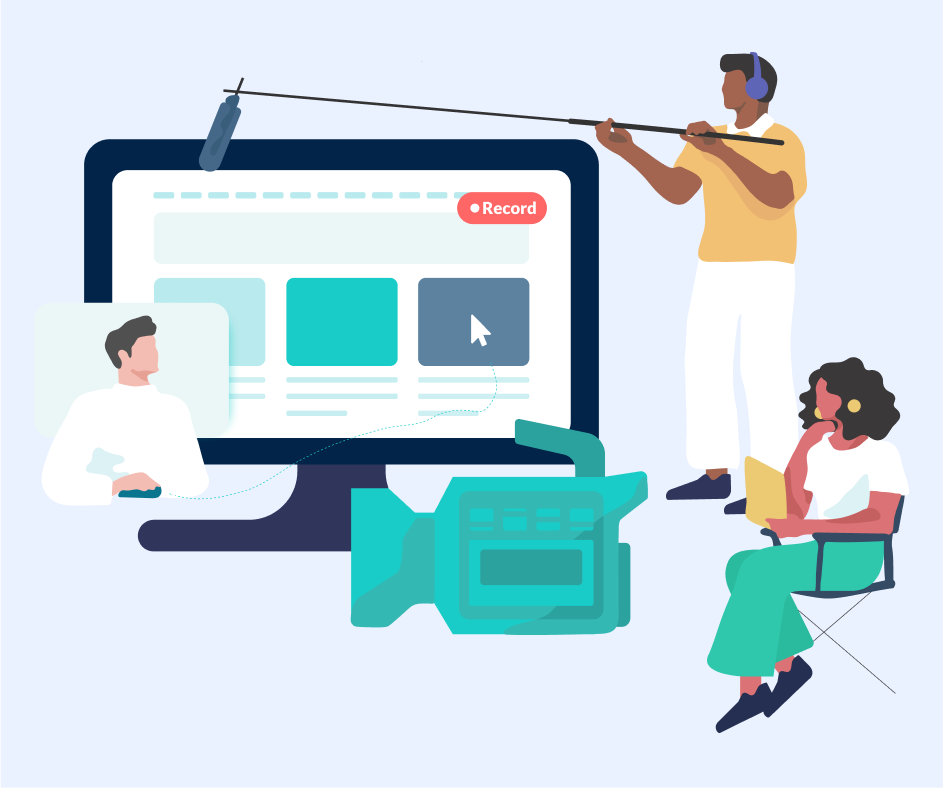
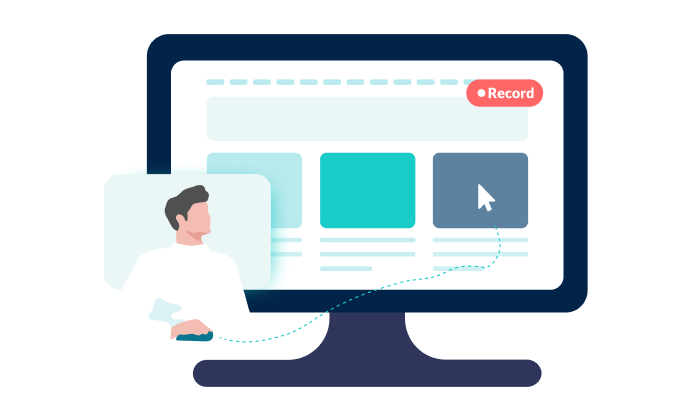
View videos of participants as they try and complete tasks. Catch every mouse movement, click and scroll. Show me how
Real time reporting

See the results of your user test online – instantly. Track task completion rates, number of clicks, time on task, satisfaction and more.
Export results

With one click you can export your results in PDF, CSV or XLS format for offline viewing, or to share a hardcopy with others in your organization.